Utilities · iPhone
Calendar for Lockscreen
Lock & Home Screen Countdowns
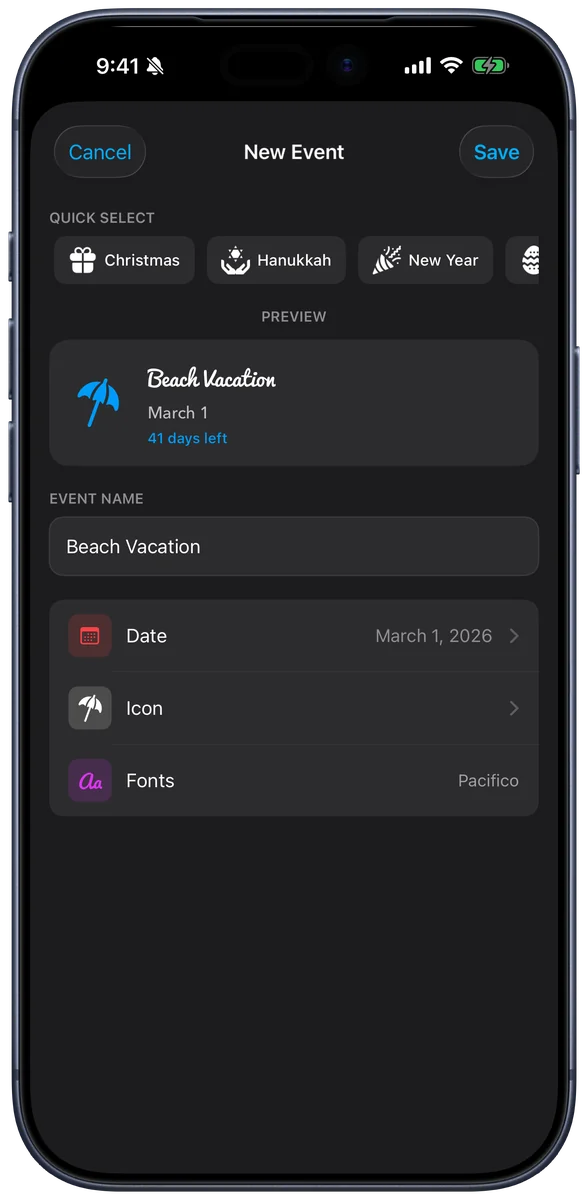
Transform your Lock Screen and Home Screen with beautiful calendar widgets and countdown timers: 6 Lock Screen styles, 4 Home Screen styles, 50+ fonts, and unlimited custom events.

- iPhoneiOS 16.0 or later
- PriceFree
- Version2.2
Screenshots
A look inside
Features
What you can do with Calendar for Lockscreen
Six Lock Screen styles
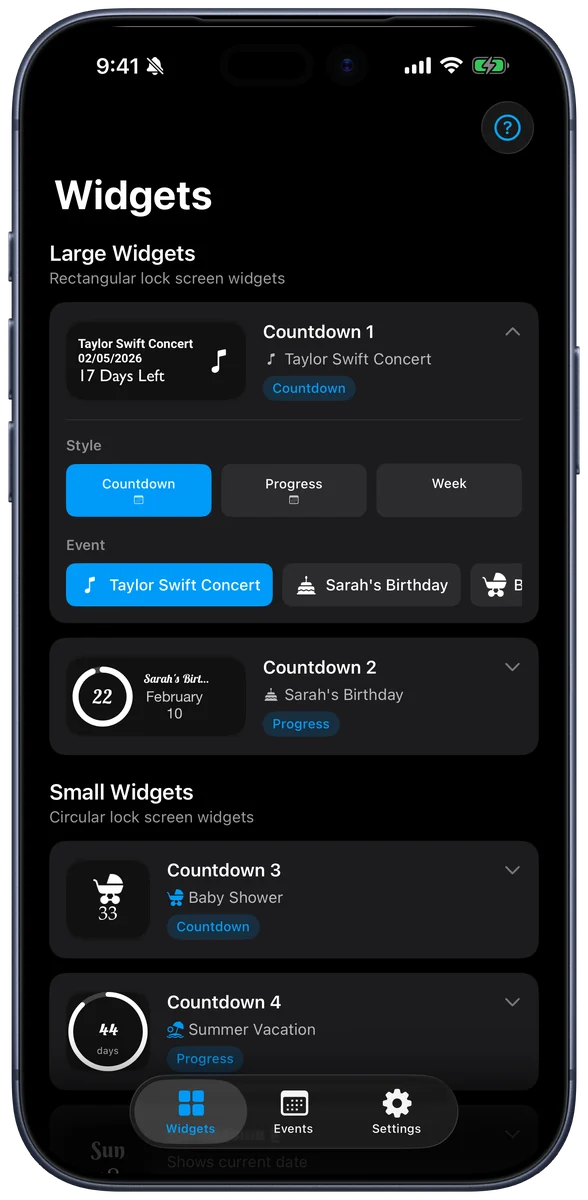
Simple Date, Date & Time, Calendar, Countdown, Progress, and Week Strip, each in small and large sizes.
Home Screen widgets
Countdown, Progress, Month, and Up Next in small, medium, or large, with six color themes.
Unlimited countdowns
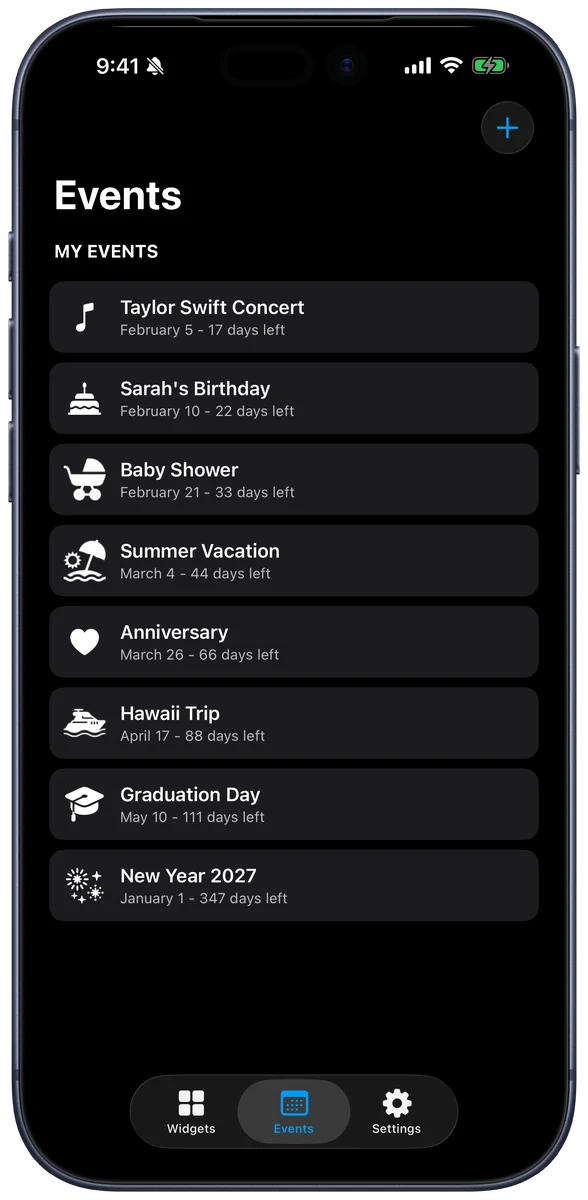
Birthdays, vacations, weddings, deadlines, or any date that matters, with a live preview of each one.
50+ fonts
System, serif, display, and monospace fonts, with separate fonts for your title and subtitle.
Import from Calendar
Turn upcoming events into countdowns in a couple of taps. The app only reads your calendar and never changes it.
iCloud sync
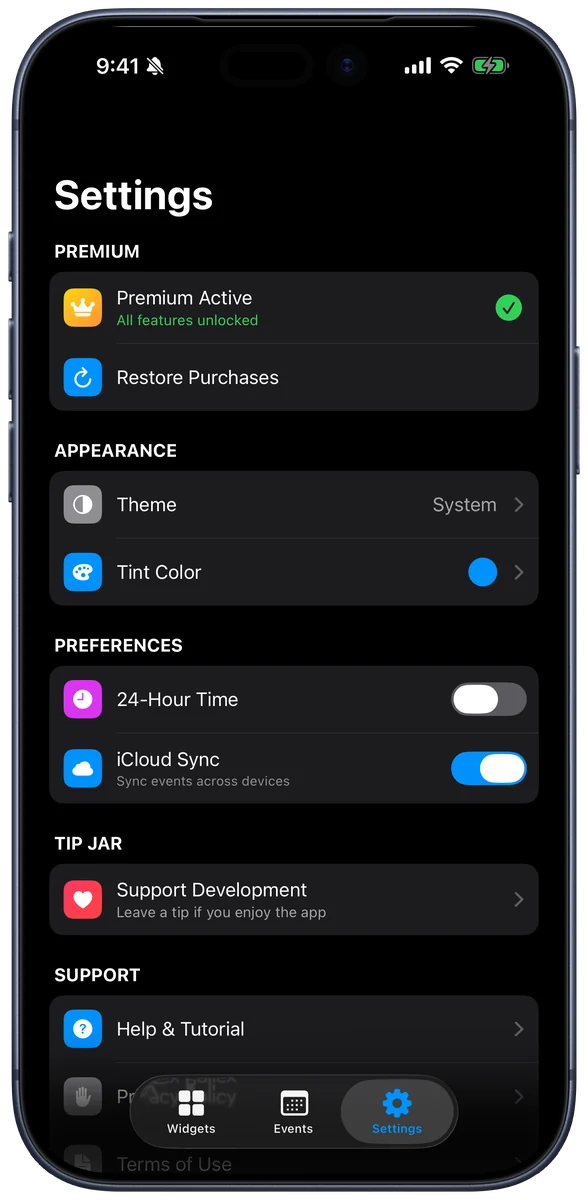
Create an event on your iPhone and see it on your iPad, with a sync status screen.
Support
Need help with Calendar for Lockscreen?
Questions, bug reports, and feature ideas come straight to me, the person who built the app. I usually reply within a day or two.
Contact support
Send a message with your device and iOS version so I can help faster.
Get helpPurchases and refunds
In-app purchases and subscriptions are handled by Apple, including refunds and cancellations.
Report a problemWhat’s new
Release notes for every Calendar for Lockscreen update, newest first.
Version historyFAQ
Common questions
What’s free, and what’s Premium?
Free includes three Lock Screen styles, unlimited custom events, and 40+ system fonts. Premium unlocks all six Lock Screen styles, Home Screen widgets, Calendar import, iCloud sync, premium fonts, and removes ads.
How do I add a widget to my Lock Screen?
Touch and hold your Lock Screen, tap Customize, choose the Lock Screen, then tap the widget area and pick Calendar for Lockscreen.
Can I change a widget without opening the app?
Yes, on iOS 17 or later. Touch and hold a Home Screen widget, tap Edit Widget, and change its event, style, or theme.
More from TurboCycle Media